Online play
Play pen fight online with friends
One person opens the desk. The other opens the live link. Both play from their own screen.
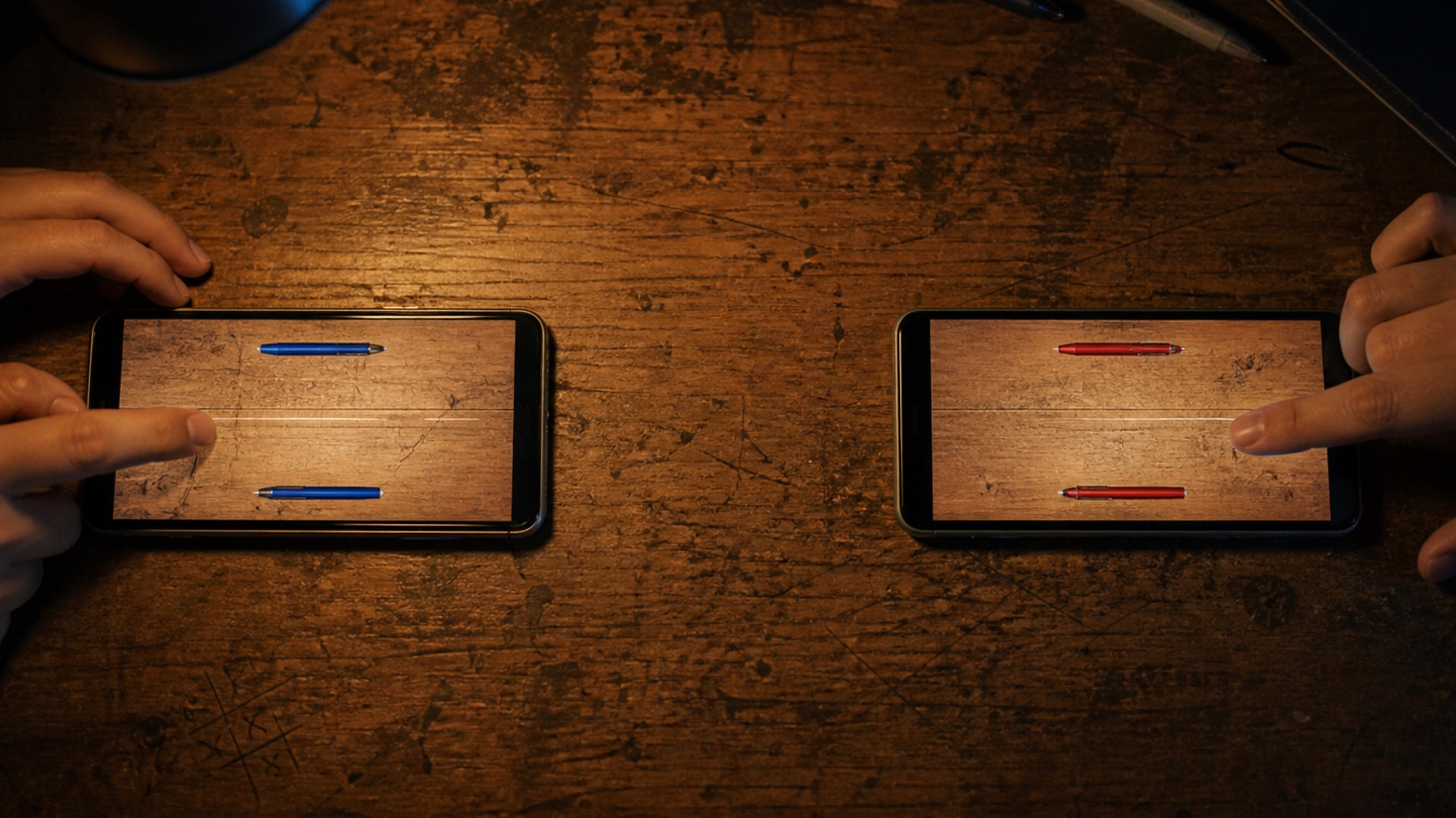
To play pen fight online with a friend, open Pen Fight in a browser, choose "play with people" and then "send a link." Pick a two-player desk, copy or share the invitation, and ask your friend to open it now. Once both players have joined and pressed ready, the best-of-five match begins.
What both players need
- A current mobile or desktop browser.
- An internet connection on both devices.
- The live invitation link from the person opening the desk.
- A few uninterrupted minutes, because the room is meant for a match happening now.
There is no app file to download for the browser version. Each player can use a phone, tablet or computer. Two phones are the simplest setup because each person keeps their own view and their own turn.
Open a private desk
- Go to Pen Fight and enter your player name if asked.
- Choose play with people.
- Choose send a link.
- Select a two-player desk.
- Use Share or Copy to send the full invitation message.
The invitation includes the room address. Send the complete message rather than copying part of the URL by hand. Keep the host tab open while the other player joins.
Join from the invitation
The second player opens the link in Chrome, Safari or another full browser. In-app browsers inside social apps sometimes restrict storage, sign-in or sharing. If the desk does not open correctly, use the app's "open in browser" option and return to the same invitation.
The joining player enters a name, chooses a pen and accepts the match. Both sides press ready. The score starts only after both players are at the desk.
How the online match works
A two-player friend match is best of five. Players take turns using the same pull-and-release control. On your turn, touch your own pen, pull in the opposite direction from the shot, and let go. The farther you pull, the stronger the flick.
Knock the other pen off the desk while keeping yours on it. The game waits for the pens to settle before passing the turn. Each side receives the accepted shot and final positions, so both screens stay on the same round.
If you have not played the school game before, read the pen fight rules first. If you know the rules but keep overshooting, the strategy guide starts with safer power and positioning.
Other ways to play with people
The mode picker may show more than the private two-player link, depending on the current build:
| Mode | Use it when | How players join |
|---|---|---|
| Friend link | You know who you want to play | Send one live invitation |
| Local party | Everybody is in the same room | Use the devices or local setup shown on screen |
| Instant match | You want an available online opponent | Join the live search when it is open |
| Three-player desk | Three people want one shared match | Use the three-player option when it is open |
The friend link is the dependable choice for a planned match. Instant matching depends on someone else being free at the same time.
If the friend link is not working
They see an expired or torn invitation
Return to the mode picker and create a new room. Invitations belong to a live desk and should not be saved for the next day.
The room says it is full
Someone else may have opened the link, or an earlier tab may still occupy the seat. Open a new private desk and send the replacement only to the intended player.
The page stays on verification
Use a full browser, turn off aggressive content blocking for the page, and try again. Verification protects the public room service from automated traffic.
One player disconnected
Keep the match tab open and return to it on the same device. If the desk has already closed, start a new invitation rather than guessing which old link is still valid.
Share copied only the message
Use the Copy button on the lobby. It copies the invitation text and address together. Check that the message contains a penfight.xyz link before sending.
A smoother match
- Open the invite while both people are available.
- Avoid switching networks in the middle of a turn.
- Let the animation and score finish before leaving the page.
- Use a normal browser tab instead of a social app preview.
- Start with moderate power until you learn how far your chosen pen travels.
The match itself is short. Most trouble comes from treating the link like a permanent room or opening it in a browser that blocks the storage the desk needs.
Questions about playing pen fight online
Can I play without downloading an app?
Yes. The game opens in a browser, so the friend receiving your invitation does not need to install an app first. A normal Chrome or Safari tab is better than the small preview browser inside a messaging app.
Can both players use the same phone?
A private online desk is designed for two devices, one for each player. If a local party option appears in the mode picker, follow the setup shown there for people sharing the same room. For a friend link, two screens give each person a clear turn and avoid passing one unlocked phone back and forth.
Is the friend link permanent?
No. Treat it like an invitation to the desk that is open now. If you want another match later, make a fresh room and share its new link. This also prevents somebody from opening an old message and wondering why the seat has disappeared.
Can we play from different cities?
Yes. The players do not need to share a Wi-Fi network or be in the same place. Each person only needs internet access and the same live invitation. Send the link while both people are ready so the room is not left waiting.
Open a private desk, send the live link and wait for your friend to sit down.
Play Pen Fight